
Sits where you want it
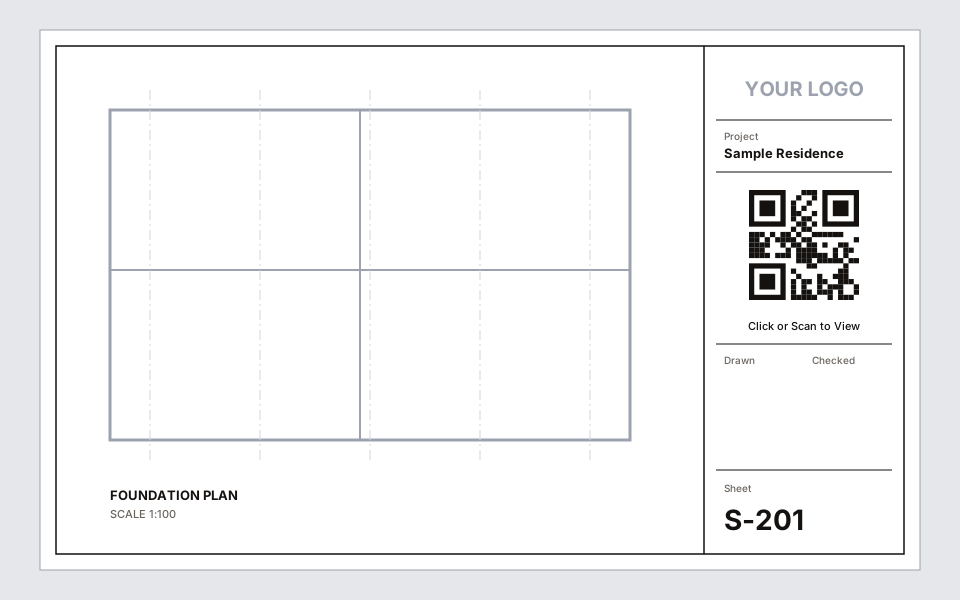
Draw a box in your title block family once. The QR code fills it on every sheet.
Free Revit add-in · Revit 2022 – 2026
Scan2View puts a QR code on your Revit sheets that opens the live 3D model in any browser. Paste one link, and every sheet stays up to date.
Windows 10/11 · No admin rights · No account · No telemetry
Copy a link from Autodesk Shared Views, or any web link.
Paste it once into the QR Link parameter in Project Information.
Every sheet gets its QR code, and it updates whenever the link changes.
Draw a box in your title block family once. The QR code fills it on every sheet.
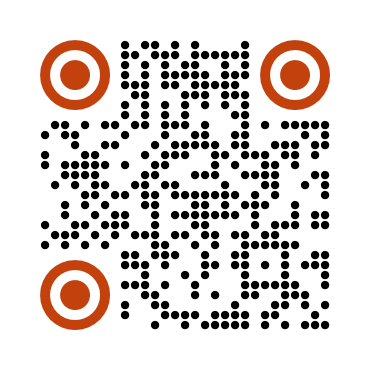
Your colours, five dot styles, rounded or leaf eyes, and your logo in the centre.

Export sheets where clicking the QR code opens the model, not just scanning it.

New sheets, new links and new title blocks are picked up automatically.
One installer for Revit 2022, 2023, 2024, 2025 and 2026. Personal and commercial use.