Everyday use
Export PDF
A plain PDF only shows a picture of the QR code. Scan2View's export adds a real link on top, so clicking the QR code opens it.
1. Choose sheets
Select sheets in the Project Browser (Ctrl- or Shift-click). Select nothing to export every sheet that has a QR code.
2. Export
Click Export PDF and choose how to save.
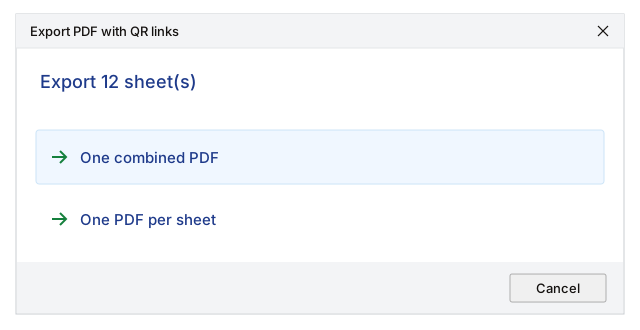
- 1One combined PDF: all sheets in one file named after the project, in sheet number order.
- 2One PDF per sheet: a separate file for each sheet, named number - name.
Then pick a folder. Revit's own PDF exporter creates the files, so your line weights, colours and fonts are exactly as Revit prints them.
3. Click the QR code
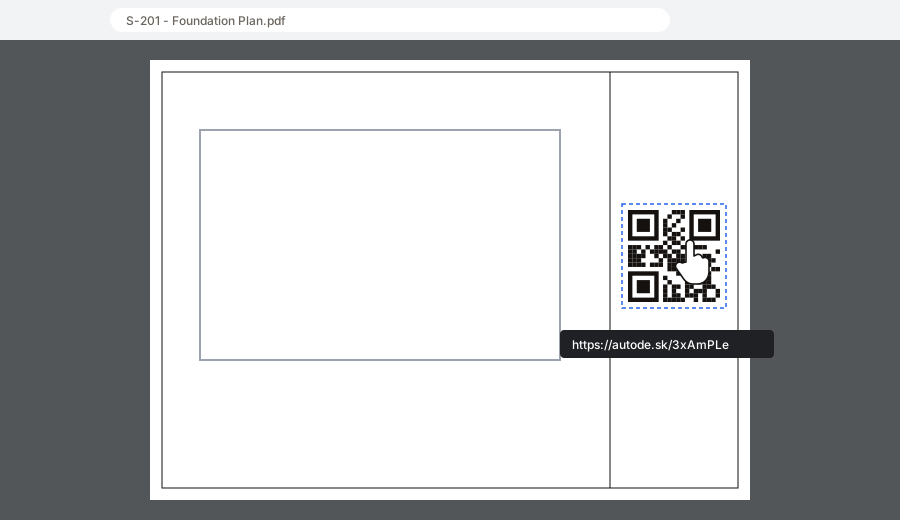
- 1Hovering the QR code shows a hand cursor and the link. Clicking it opens the link in the browser.
Something unclear? Tell us.